Open and inspect
ZIP, RAR, 7Z, TAR, GZIP, BZIP, TGZ, TBZ, ISO, CAB, DEB, RPM, CBZ, CBR, JAR, MSI and more.
Open, preview, extract, compress, organize, transfer, and verify archive files directly on your device.
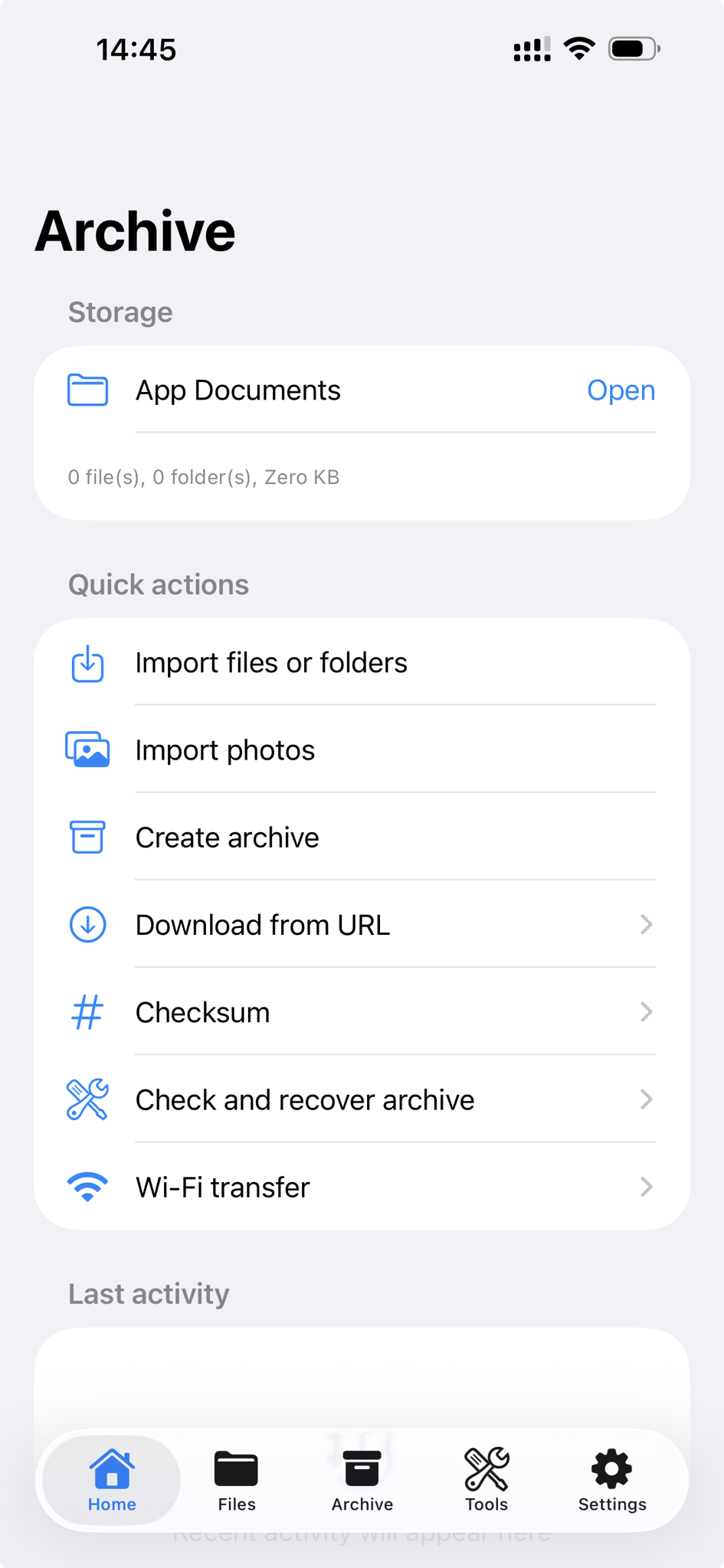
Archive workflow
Browse archive contents before extraction, inspect folders and file details, preview selected files, then extract everything or selected items.
ZIP, RAR, 7Z, TAR, GZIP, BZIP, TGZ, TBZ, ISO, CAB, DEB, RPM, CBZ, CBR, JAR, MSI and more.
Create ZIP, 7Z, TAR, GZIP, and TGZ archives from selected files and folders in Documents.
Add passwords for supported formats and create multipart 7Z archives for easier sharing or storage.
View images, PDFs, text, audio, video, and Quick Look compatible files without leaving the app.
File manager
Import files and folders, import images from Photos, browse directories, rename, copy, move, delete, restore from Trash, paste from the clipboard, share, export to Files, and open supported documents with in-app preview.
Verification tools
Confirm files, inspect archive health, find differences, and document what changed before you share or store files.
Premium
Premium unlocks storage folder changes, ad removal, sharing and export, Trash restore, encrypted compression history, and Wi-Fi Transfer for moving files between your device and a computer browser.
Core archive and file operations work offline. Internet access is only needed for ads, subscription validation, analytics, or Wi-Fi transfer on your local network.
Open on the App Store